Smart Door Lock with Camera and 3D Face Recognition: What to Measure on Your Door Before You Buy
Images and product details come from third-party platforms and belong to their respective owners. They are shown for reference only.
Affiliate link — we may earn a commission at no extra cost to you.
About this product
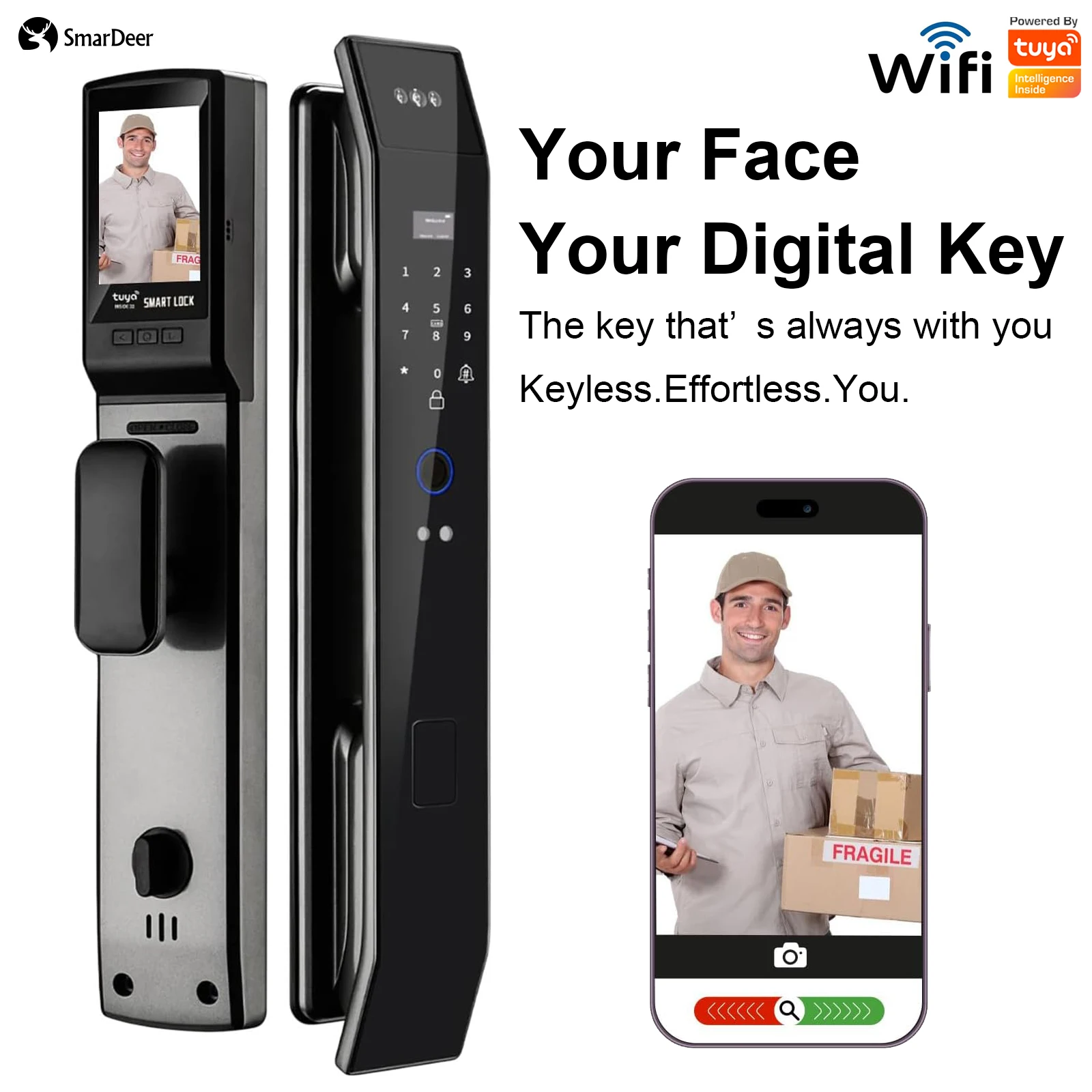
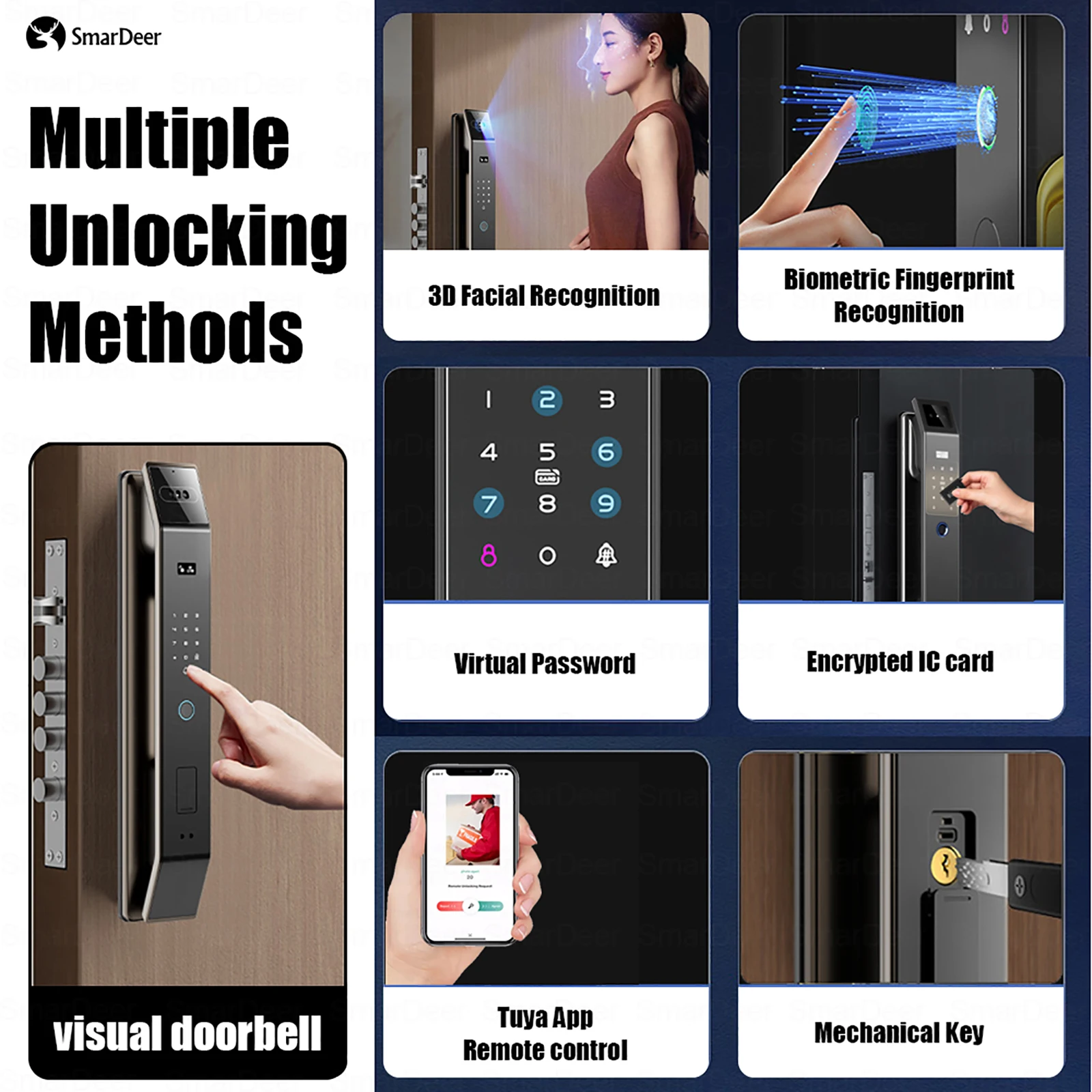
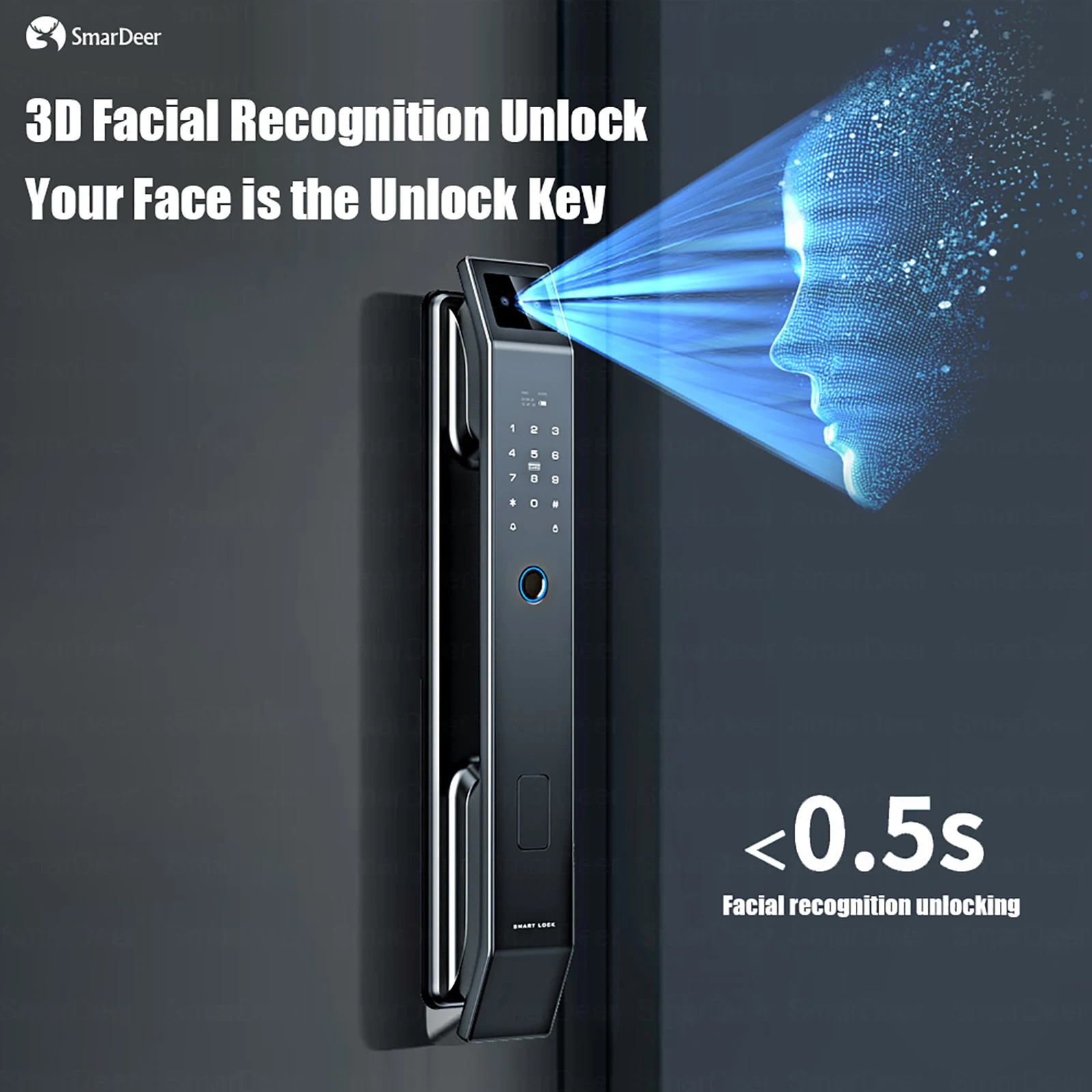
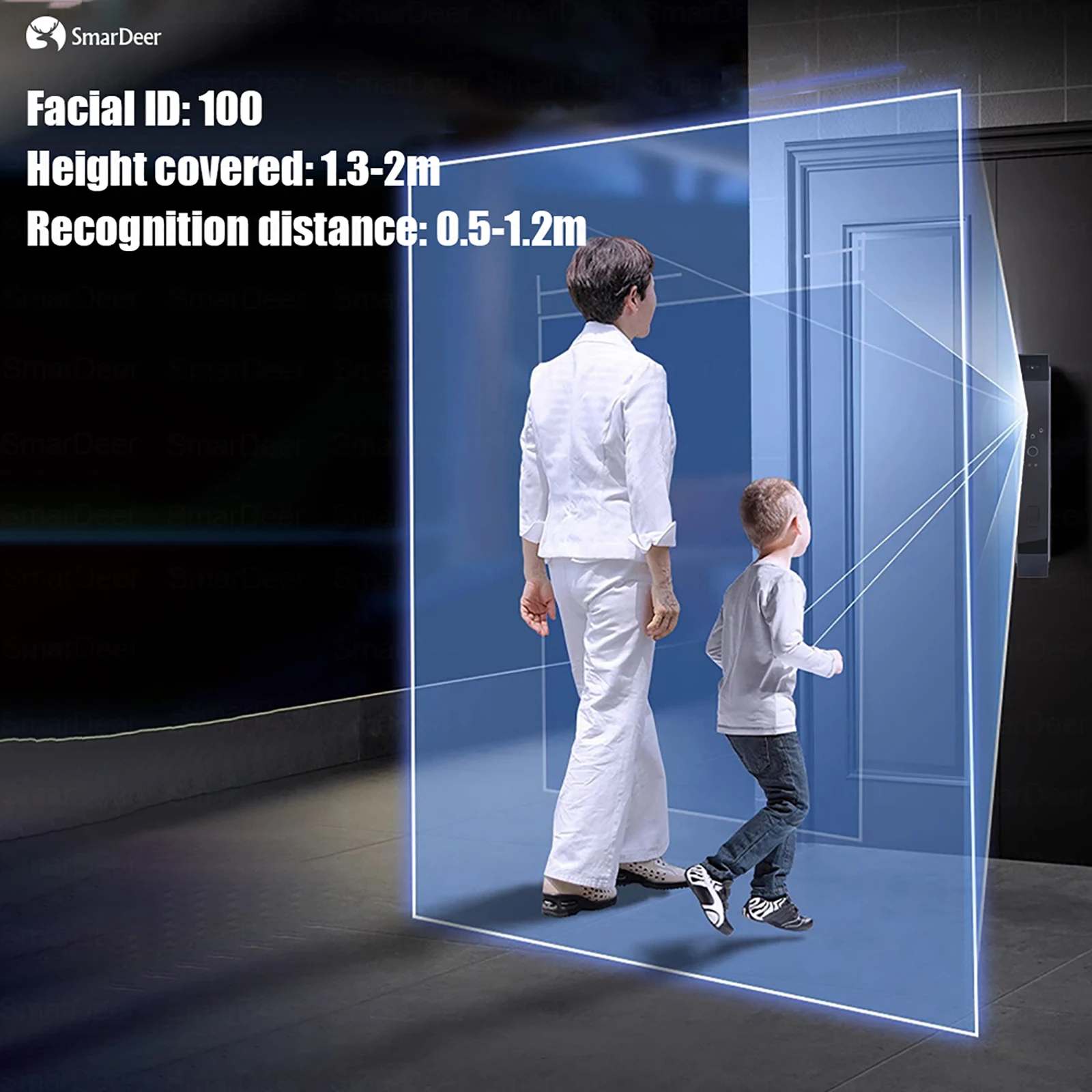
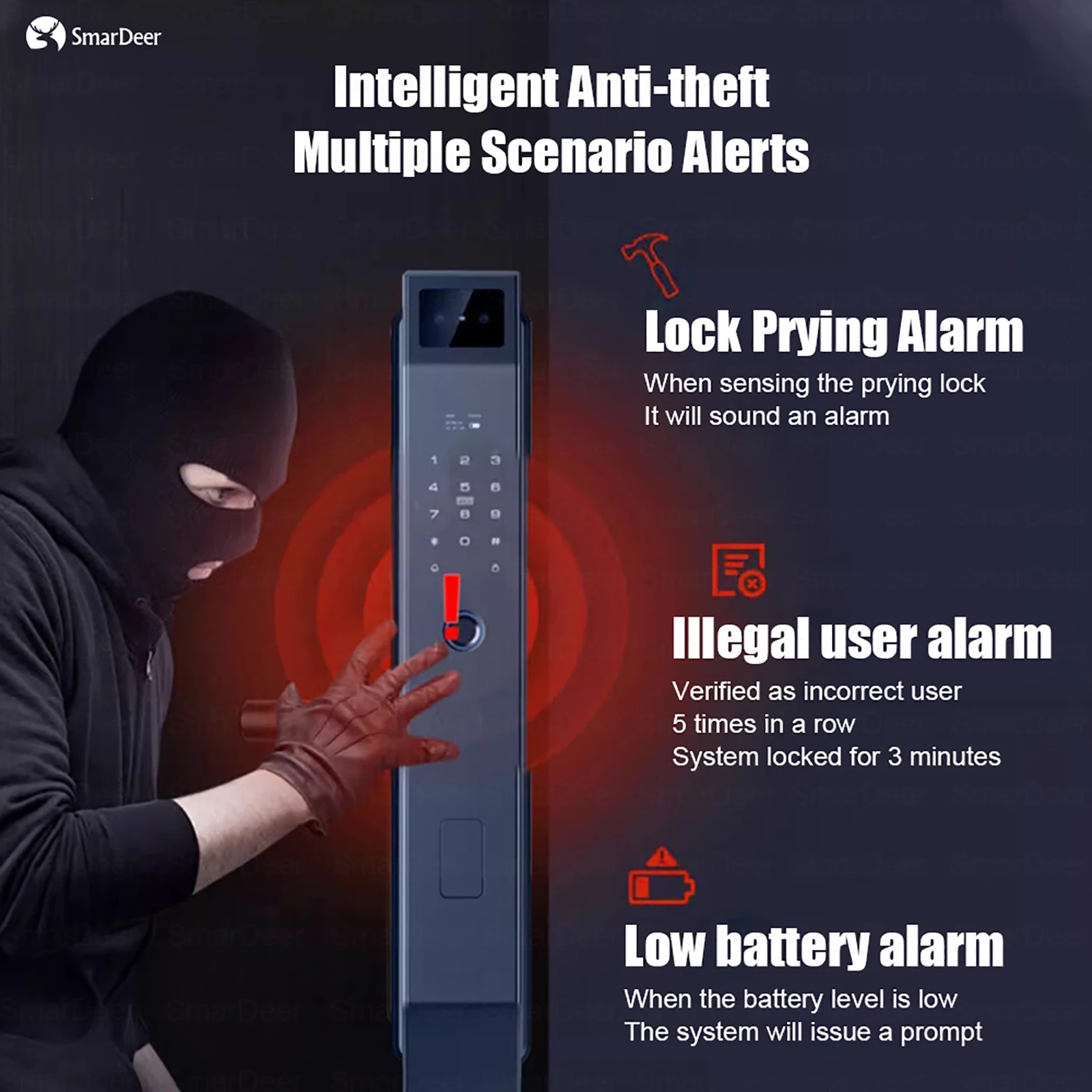
Replacing a keyed lock with a camera lock is mostly a measuring job, and this is the checklist. Before ordering, measure your door thickness and the backset (the distance from the door edge to the centre of the existing hole) and check whether your door uses a single cylinder deadbolt or a mortise lock body - locks designed for one often will not fit the other. This unit adds a built-in camera and 3D facial recognition on top of keyless entry, so you get access control and doorstep video in one device rather than two. Also find out whether Wi-Fi is built in or needs a separate gateway, and whether recordings stay local or rely on a paid cloud plan. Confirm battery type, charging method and emergency key options with the seller before you buy.
Product images
Pros & cons
Pros
- Combines keyless entry, a built-in camera and 3D facial recognition in one door device
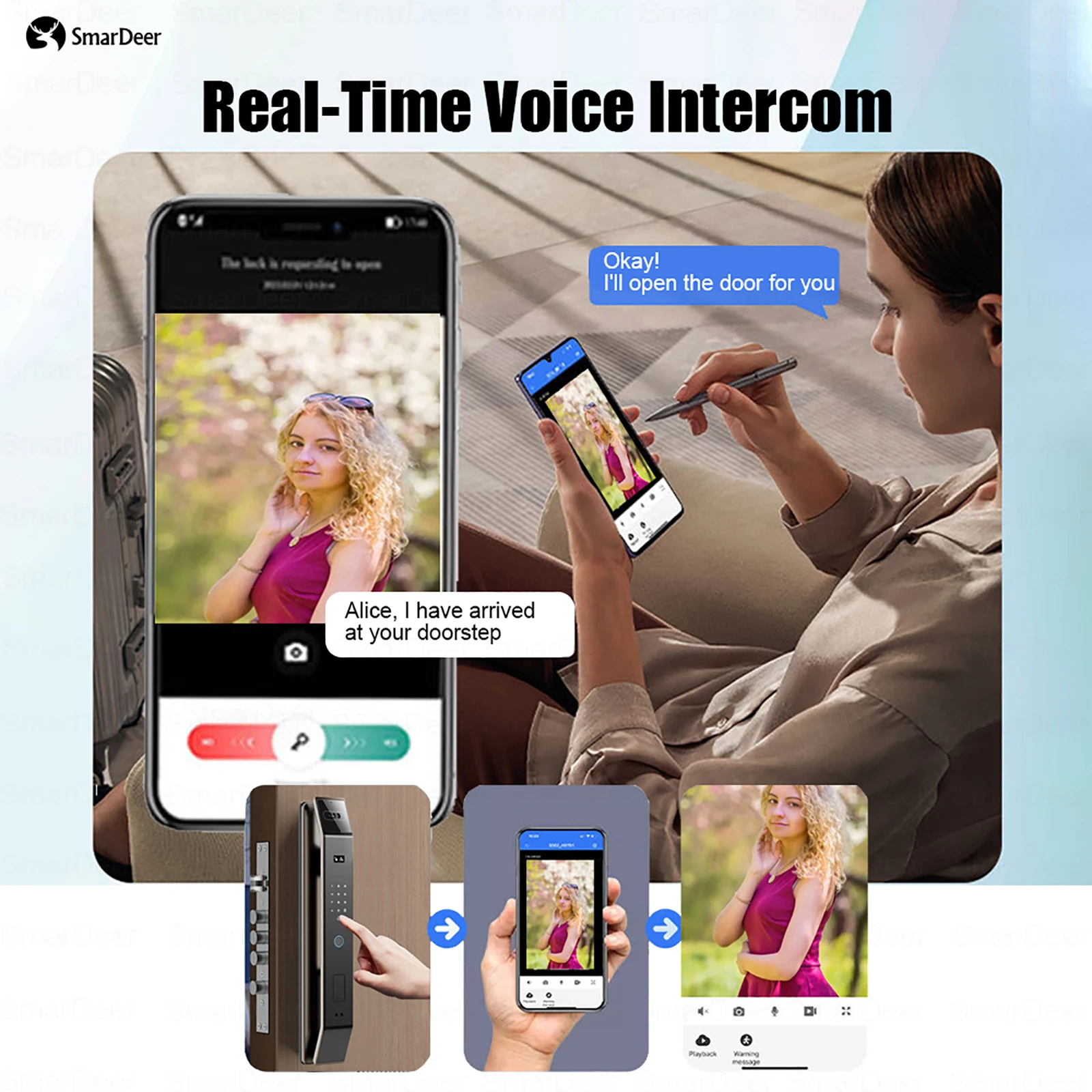
- Camera plus visual doorbell gives you a view of the doorstep, not just a lock status
- Keyless access means no more hiding a spare key or fumbling at the door with bags
- 98% positive feedback from recent buyers
- Electronics category lock with video features suits rentals and short-term stays where you rotate entry codes
Cons
- Door thickness and backset are not specified here - measure yours first, or the lock simply will not fit
- Confirm whether your door uses a deadbolt or a mortise lock body; the two are not interchangeable
- Video features usually need a steady 2.4GHz Wi-Fi signal at the door, and cloud storage may be a paid plan
- Battery life, charging method and whether a mechanical emergency key is included should be confirmed with the seller