Tagged reviews

#Networking

Every review tagged “Networking” so you can compare the options side by side.

Products
300Mbps WiFi repeater, rated speed and what to check first: plug type, band and whether your router mode matches before you plug it in -52%
Computer & Office

300Mbps WiFi repeater, rated speed and what to check first: plug type, band and whether your router mode matches before you plug it in

A 300Mbps repeater extends an existing Wi-Fi network by receiving and re-broadcasting the signal, and this one is listed at 300Mbps on the 802.11N standard, which in practice usually means a single 2.4GHz band — worth knowing before you buy, because a 2.4GHz-only unit will not add 5GHz coverage. Before ordering, confirm three things: the plug type shipped to your country (a repeater with the wrong plug needs an adapter, and some adapters are not rated for continuous use), whether your router supports the standard repeater/WPS pairing flow described in the listing, and where the dead zone actually is — a repeater must sit where it still hears the router at half strength, not in the dead zone itself. What it will not do is make a slow internet plan faster, and throughput through any repeater drops because every packet is relayed twice.
USD 9.01 USD 18.76
View Details
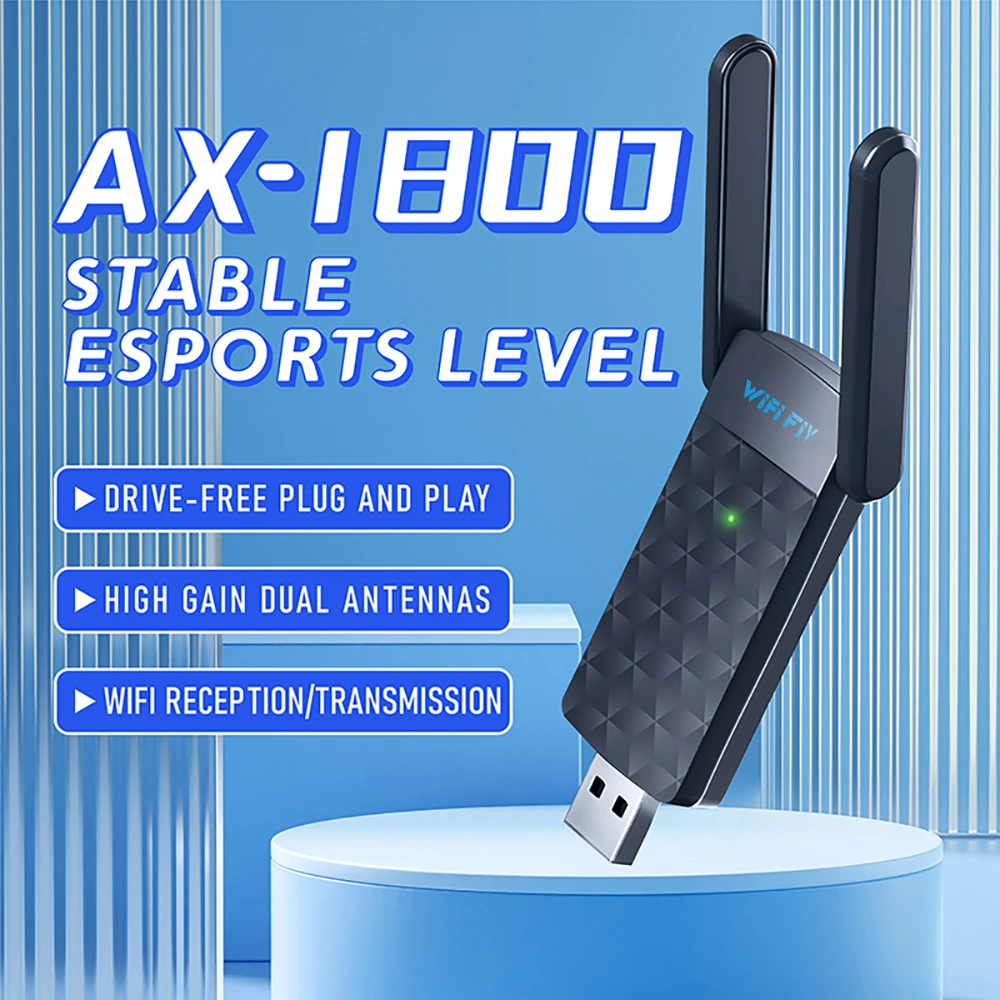
WiFi 6 USB adapter sold as 1800Mbps: how the two bands add up to that figure, and which socket on the PC lets it run at speed -52%
Computer & Office

WiFi 6 USB adapter sold as 1800Mbps: how the two bands add up to that figure, and which socket on the PC lets it run at speed

A USB WiFi adapter is the fastest way to give a desktop, an older laptop or a small form factor PC a wireless link, and the figure in the title is the first thing worth decoding. 1800Mbps is the sum of the 2.4GHz and 5GHz radios rather than the rate of a single band, and in practice the 5GHz side carries the larger share while the 2.4GHz side carries the smaller one. Which of the two you end up on depends on distance and on how many walls sit between you and the router, since 5GHz gives more speed at shorter range while 2.4GHz reaches further at lower rates. The second point is the socket, because this is a USB 3.0 adapter and pushing it into a USB 2.0 port on an older machine leaves the link capped by that older port; use the blue or otherwise marked 3.0 socket, and if the rear ports are hidden behind a metal case, a short extension cable gets the gain antenna out into the open where it can work. The third is the driver, since the listing names Windows 10 and 11 where the chipset is usually recognised on its own, though a machine that has never had wireless may need the driver copied over first.

USD 7.15 USD 14.90
View Details