Tagged reviews

#Computer Components

Every review tagged “Computer Components” so you can compare the options side by side.

Products
Raspberry Pi 4: Which RAM Do You Actually Need? 1/2/4/8 GB Compared for Desktop Use, Retro Gaming, Smart Home and DIY Builds -20%
Computer & Office

Raspberry Pi 4: Which RAM Do You Actually Need? 1/2/4/8 GB Compared for Desktop Use, Retro Gaming, Smart Home and DIY Builds

This is the board for people who have already decided to build something with a Raspberry Pi and are stuck on one question: which RAM tier do I actually pay for? The listing covers the Model B in 1, 2, 4 and 8 GB, and the useful part is that everything else stays the same across tiers — the same BCM2711 quad-core Cortex-A72, the same 2.4 GHz and 5.0 GHz dual-band wireless. So the comparison is really one-dimensional, and the use case decides it. Light server duty, a single retro console, a network-wide ad blocker: 1 or 2 GB handles it. A general-purpose desktop replacement, media playback, Home Assistant with a handful of integrations: 4 GB is the comfortable middle. Heavy multitasking, containers, several services at once, a browser that you actually keep open: that is what the 8 GB tier is priced for. Think about what you will run on day one, not the biggest number on the page. Second, remember that a Pi on its own does not boot: you need a microSD card with an operating system image, a suitable USB-C power supply and a way to display or reach it, and the listing does not state which of these come in the box. Before paying, confirm with the seller exactly which RAM variant ships at this price, and what is included — power supply, case, cables or the bare board only. Done in that order — pick RAM by workload, then inventory the extras — this is the piece that turns a plan into a running project. 477 sold with a 98.1% positive rating.
USD 193.56 USD 241.95
View Details
AMD Wraith Prism CPU Cooler for Ryzen — Check Socket, Mounting Kit and Exact Wraith Model -52%
Computer & Office

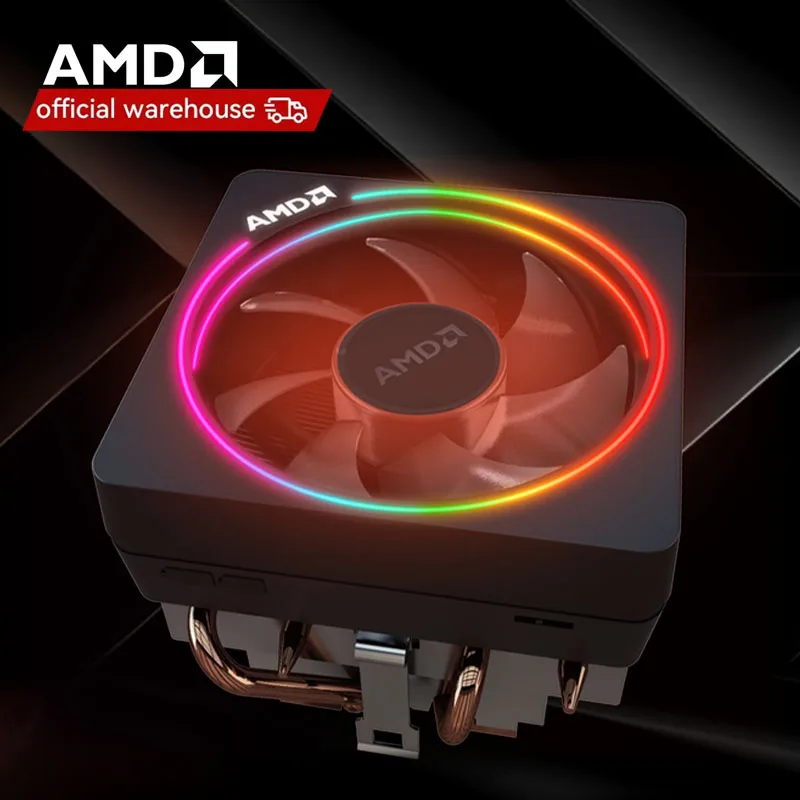
AMD Wraith Prism CPU Cooler for Ryzen — Check Socket, Mounting Kit and Exact Wraith Model

If you bought a Ryzen CPU as a tray chip or lost the boxed cooler, an AMD Wraith cooler is the cheapest way back to a working build — but the Wraith name covers several very different coolers. This listing is a Wraith Prism with a 4-pin PWM fan, stated to support R3, R5, R7 and R9 CPUs on AMD motherboards. Three checks decide whether it drops in. First the socket: this is an AM4 cooler, and AM4 and AM5 keep the same cooler mounting holes, so it also fits AM5 boards — but not Intel sockets or older AM3/AM3+, so confirm your board. Second the mounting kit: boxed coolers are often sold loose, without retention clips or backplate, and some AMD boards need the original backplate that came with the board — ask what is in the box. Third which cooler it actually is: Wraith Prism, Wraith Spire and Wraith Stealth differ in height and heatsink size, and the Prism is the taller RGB model; confirm the model and whether the RGB cable is included. A boxed cooler like this is fine at stock clocks, but it is not the cooler to buy for heavy overclocking. 1076 sold with a 98.0% positive rating.

USD 28.58 USD 59.55
View Details